Features
-
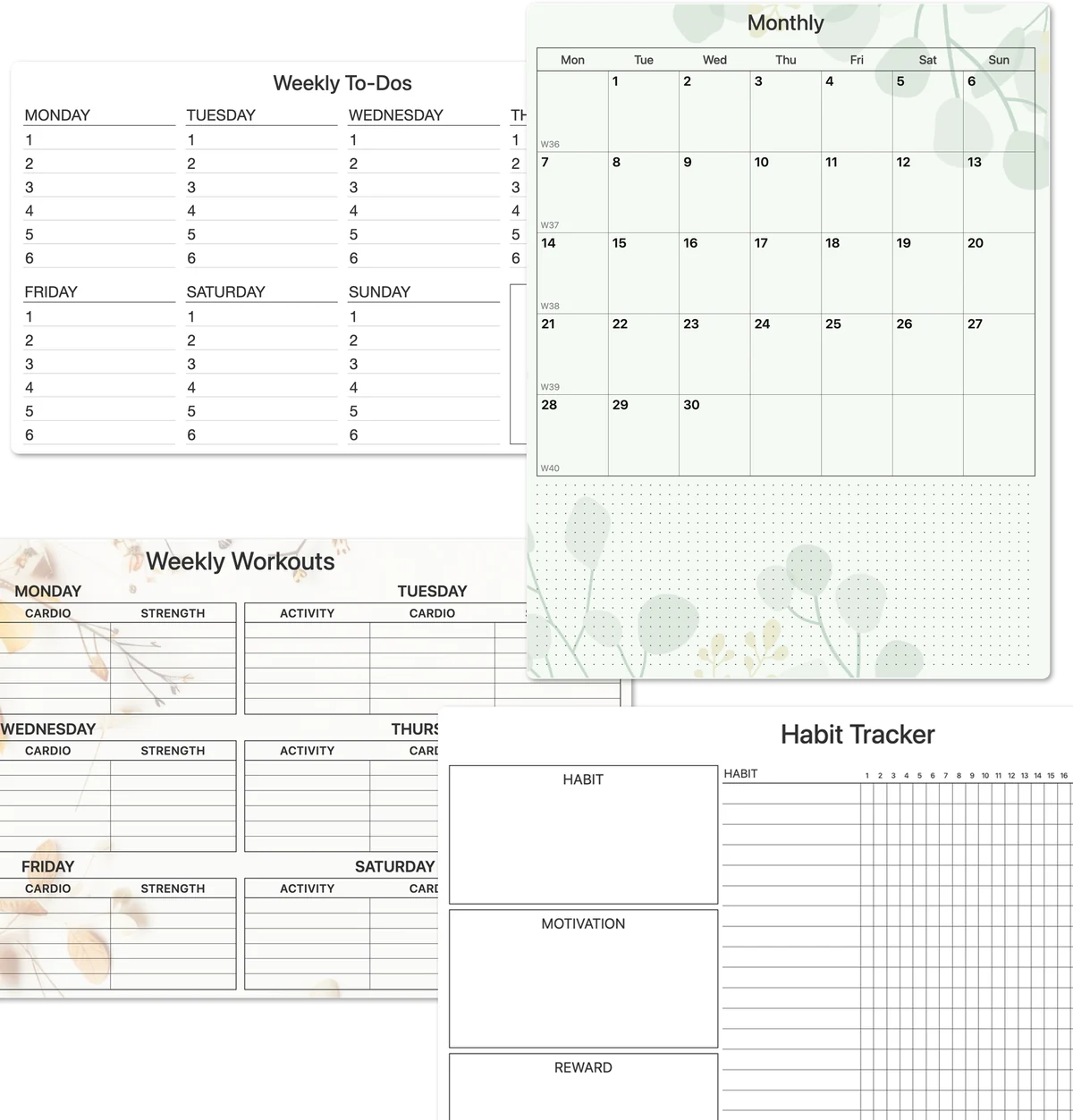
100+ templates, or design your own
- Daily, weekly, monthly and yearly planners
- Habits, meals, finance, workouts and projects
- Save any page you have personalised as your own template
-
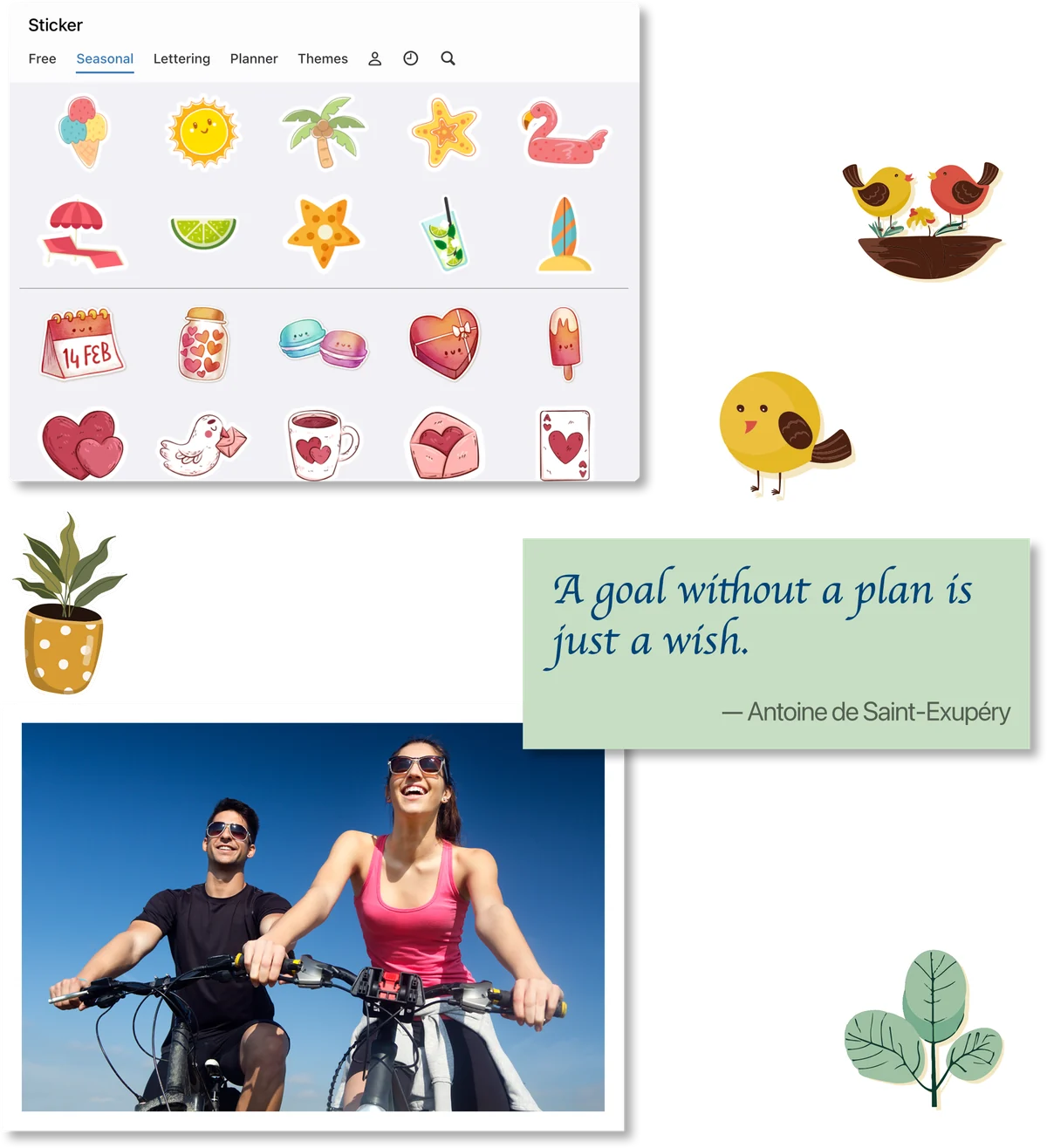
Text + images, over 2500 stickers
- Type with full formatting: fonts, sizes and colours
- Add photos, then resize, rotate or flip them
- Over 2500 stickers, 100+ paper styles, quote cards and washi tape
-
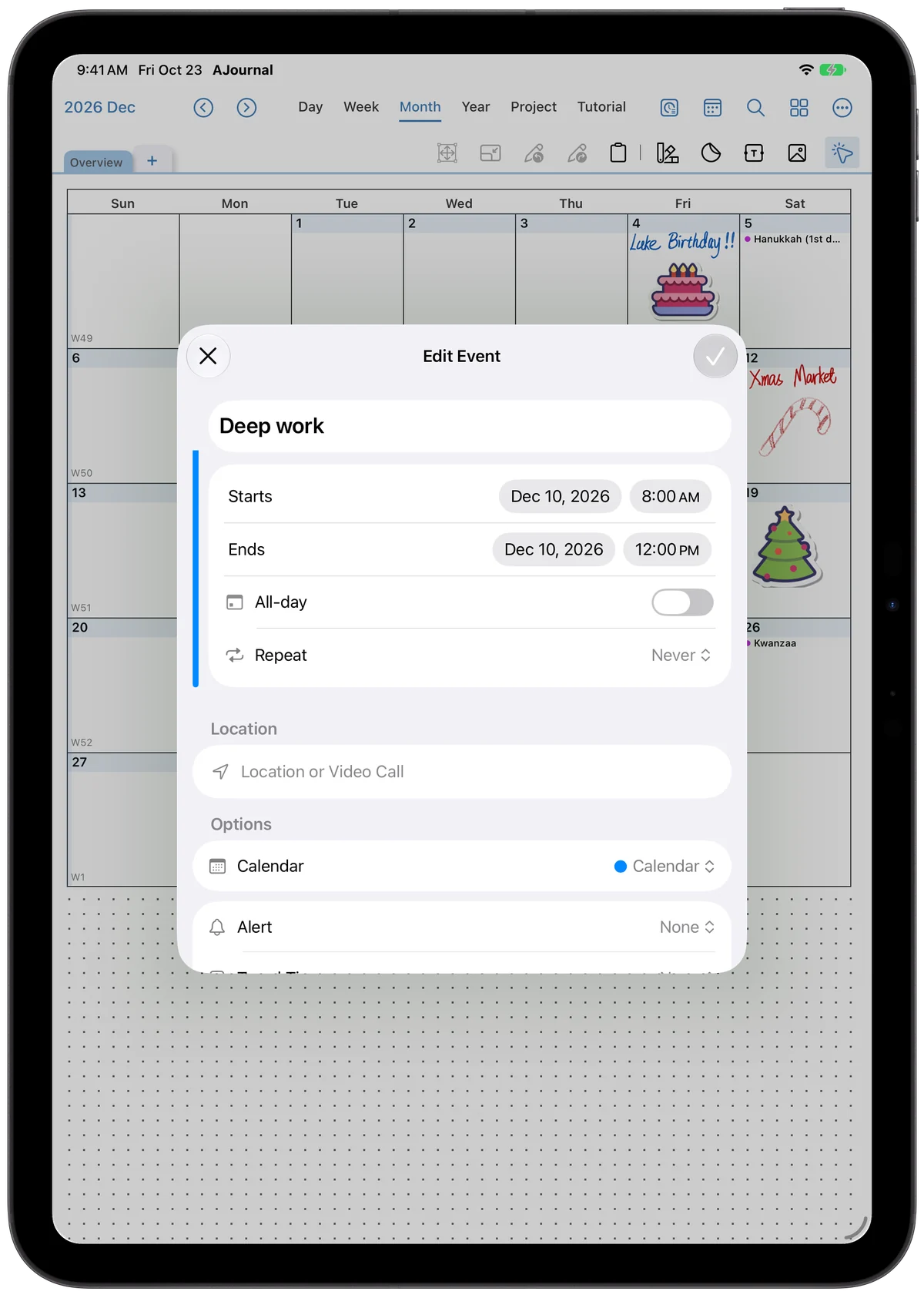
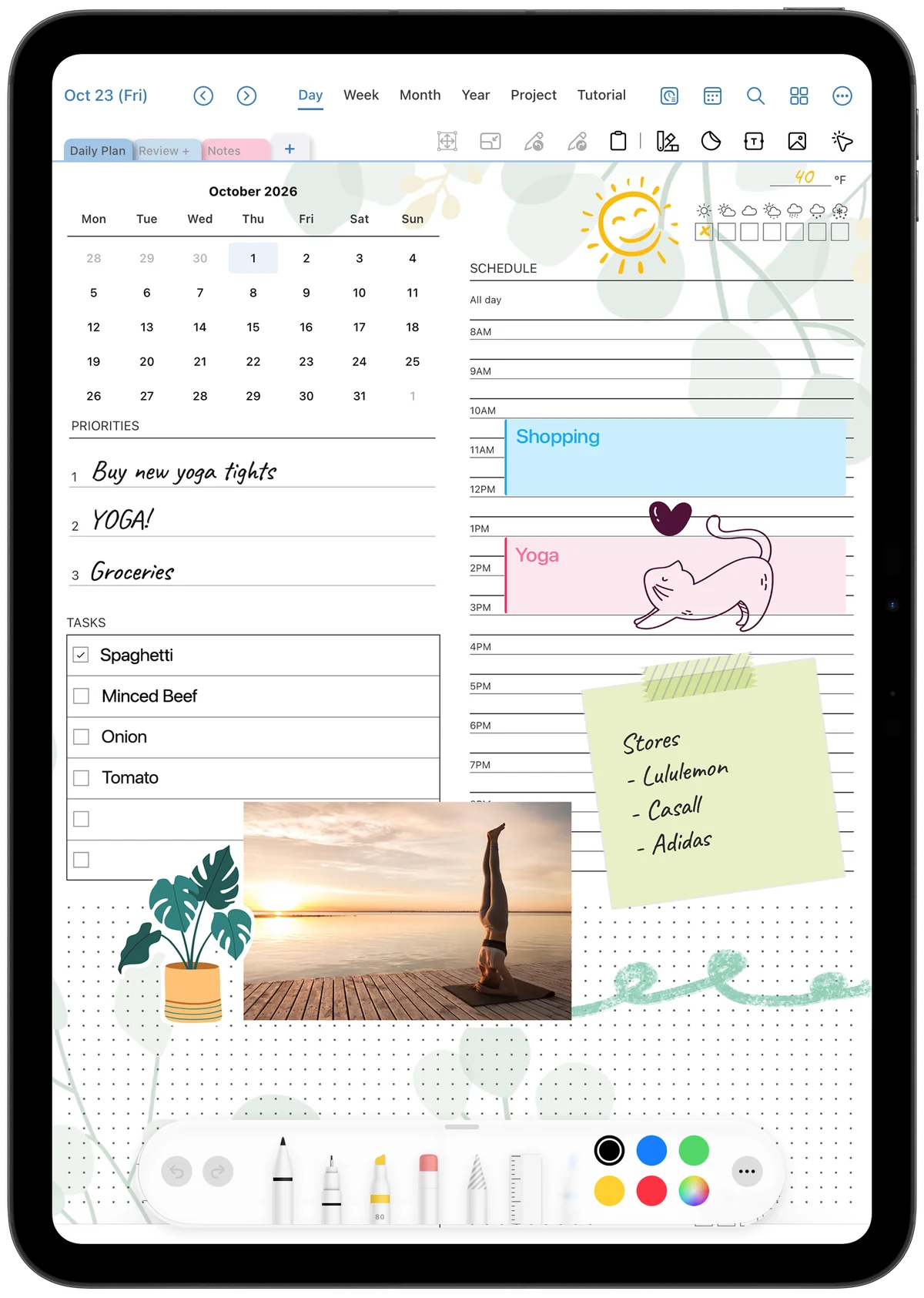
All your calendars, synced to the page
- Apple, Google and Outlook calendars on your daily, weekly and monthly pages
- Add, edit and delete events right in AJournal; the changes sync back to your calendar
- Write, highlight and annotate next to your events
- Your reminders with a due date are listed on the page too
-
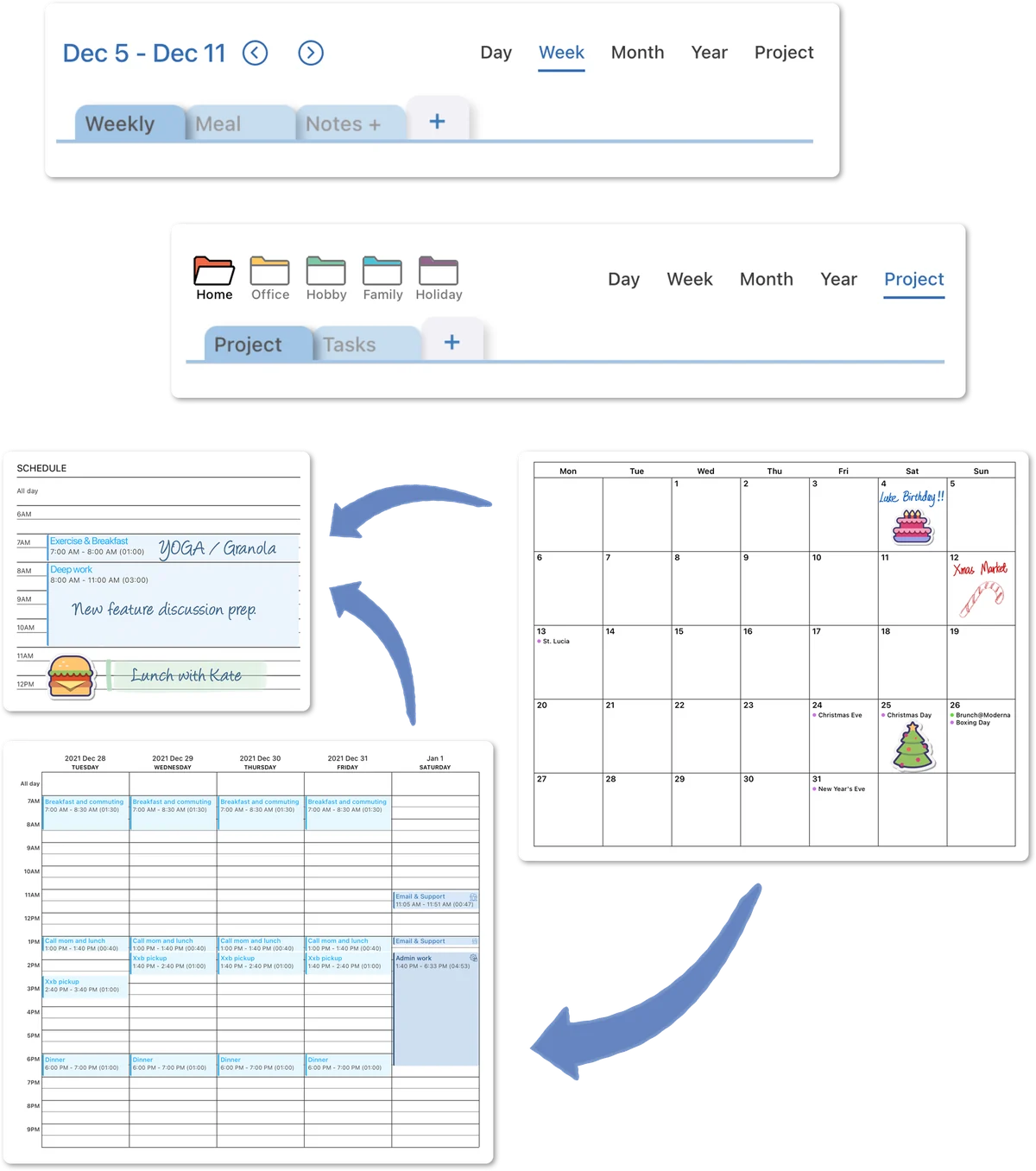
Day, week, month, year & projects
- Switch pages effortlessly, from the month to the week to the day
- Keep long-running plans together in projects
- Search your handwriting, typed text and the text in your images
-
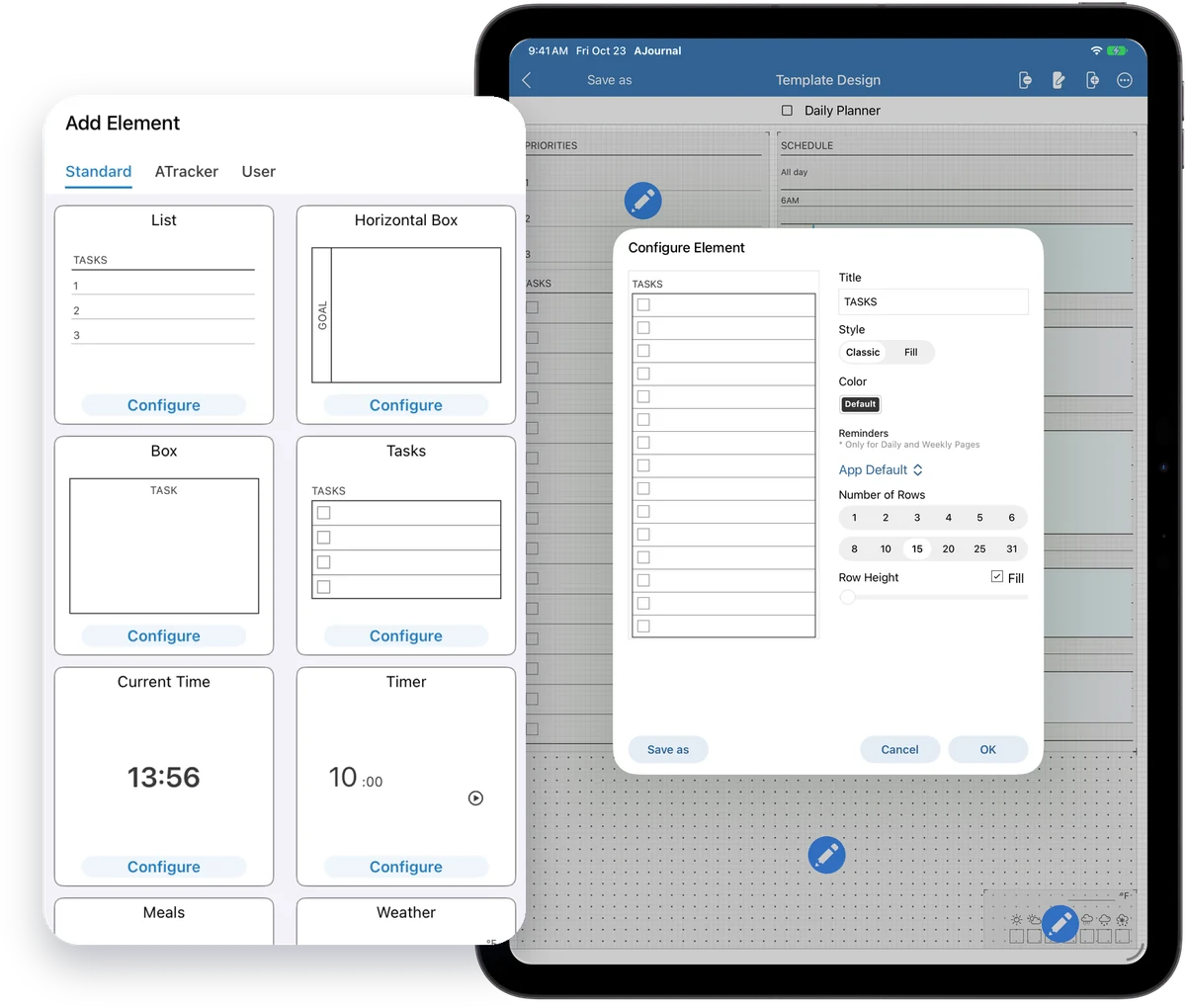
Build your perfect template
- Every element is configurable: to-do lists, calendars, habit trackers and more
- Set rows, colours and reminders for each element
-
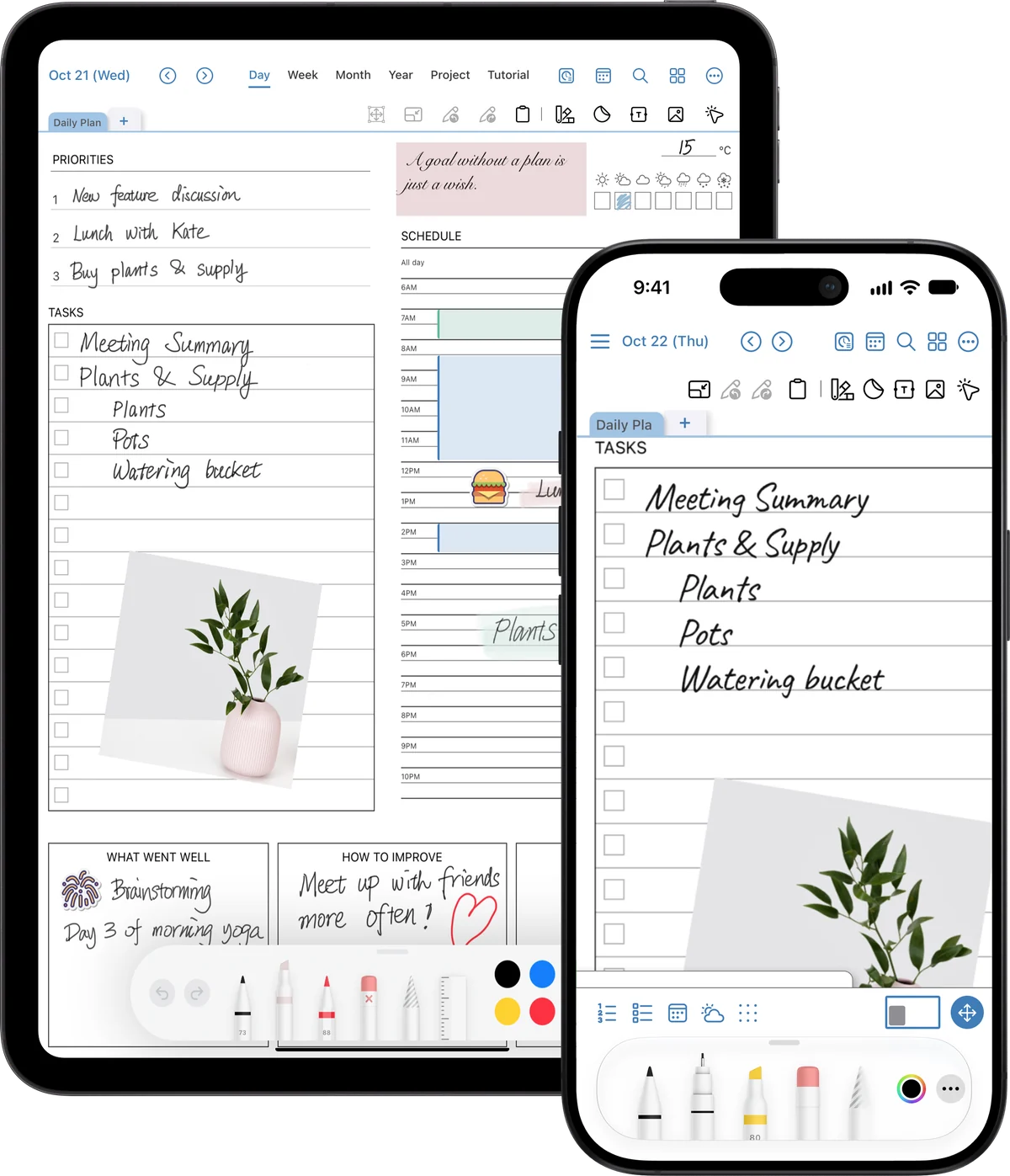
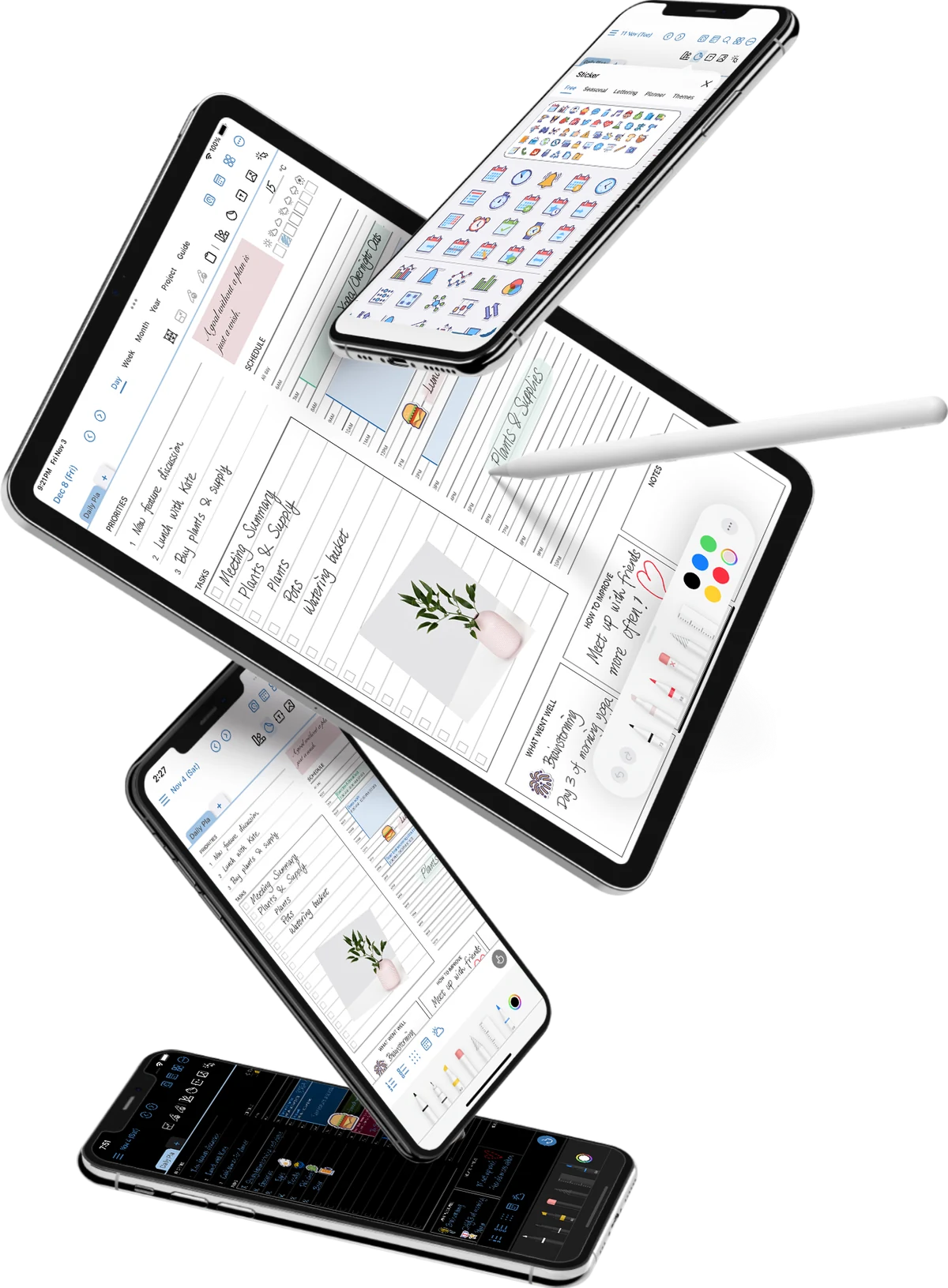
Sync between iPhone and iPad
- Your pages stay the same on every device with iCloud sync (Premium)
- On iPhone, one tap zooms into any part of the page
-
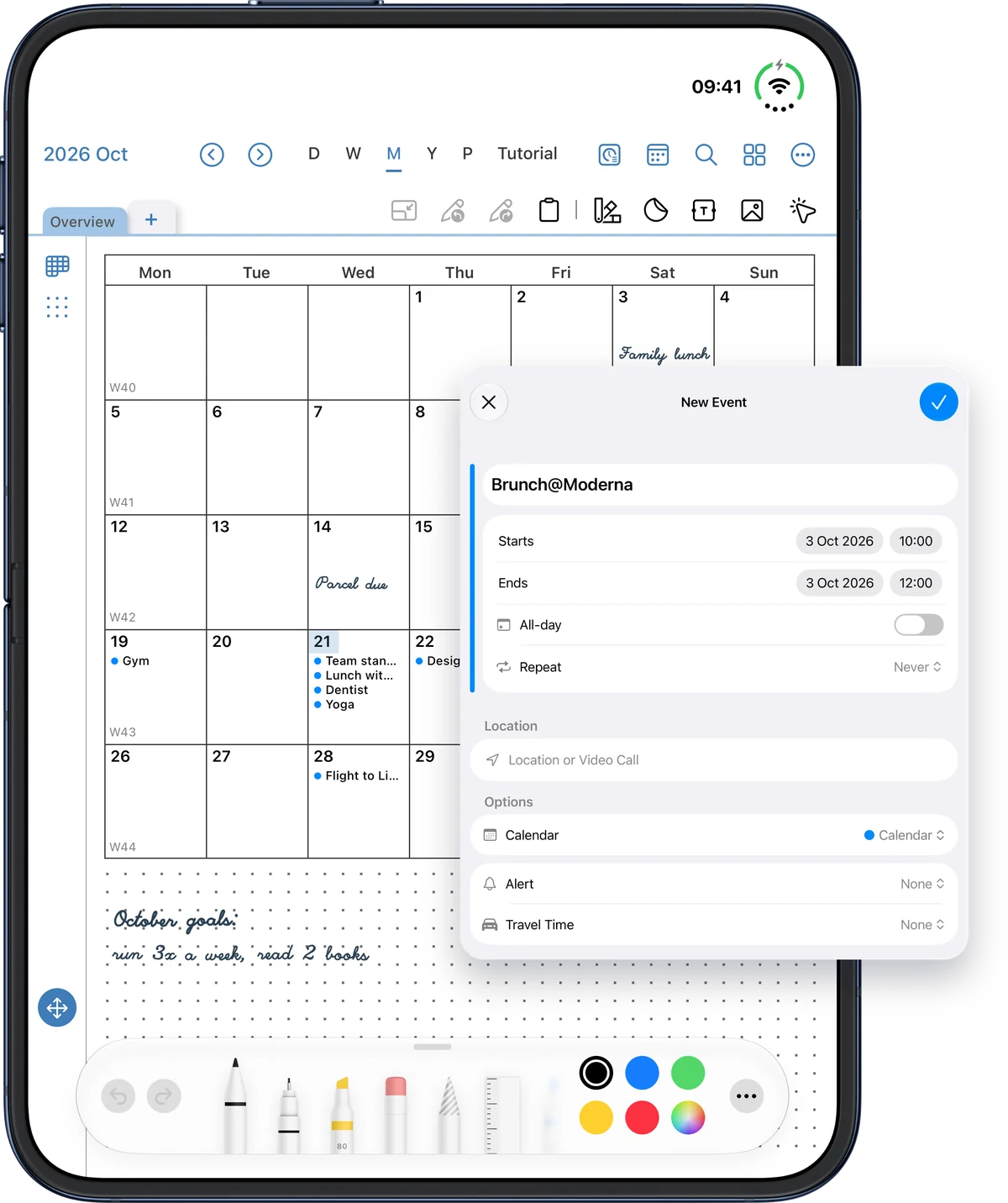
Made for iPhone Duo
- Your page fills the open screen and refits whenever you fold it
-
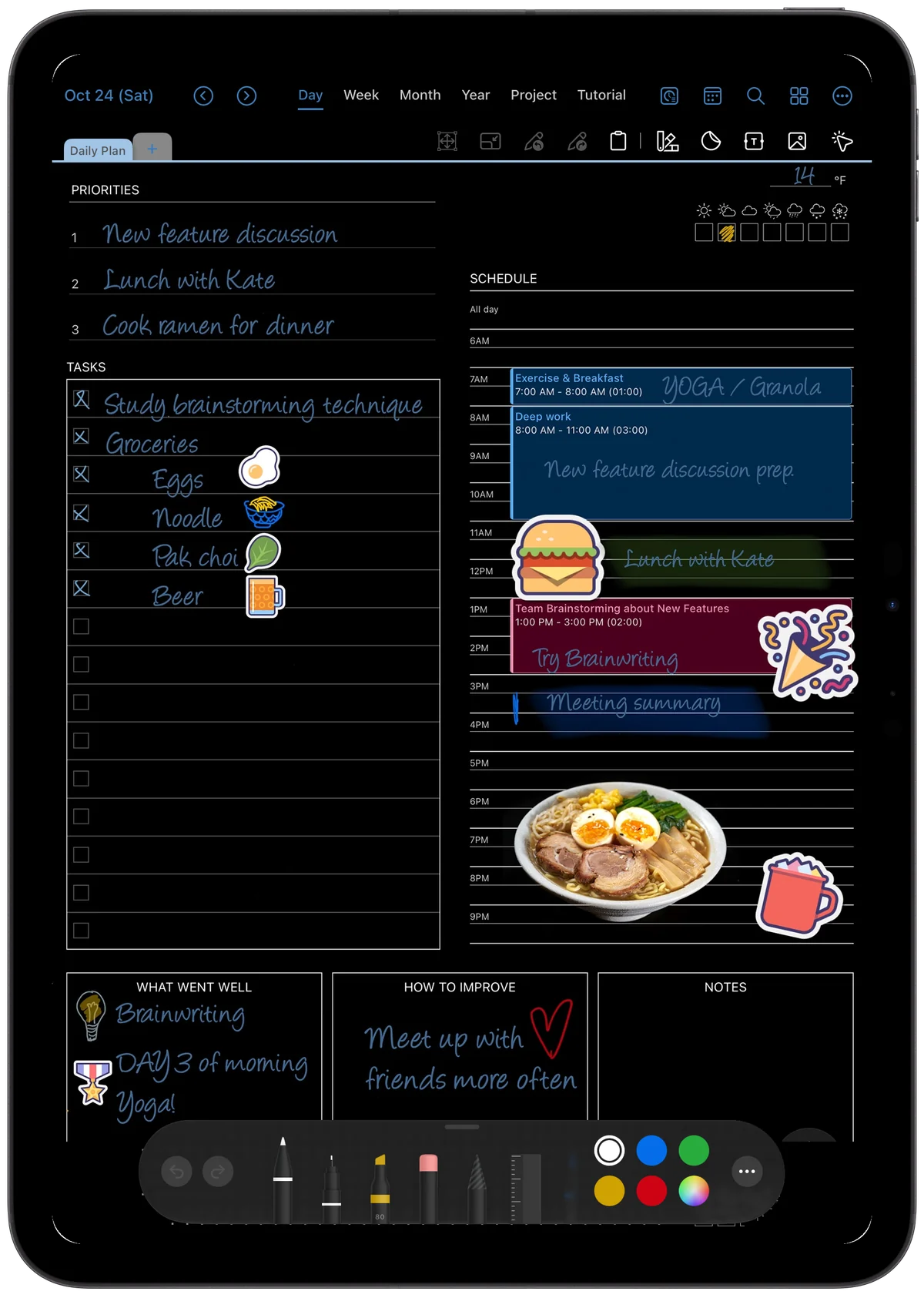
Beautiful in dark mode
- A full dark mode across your planner pages, for late-night journaling
-
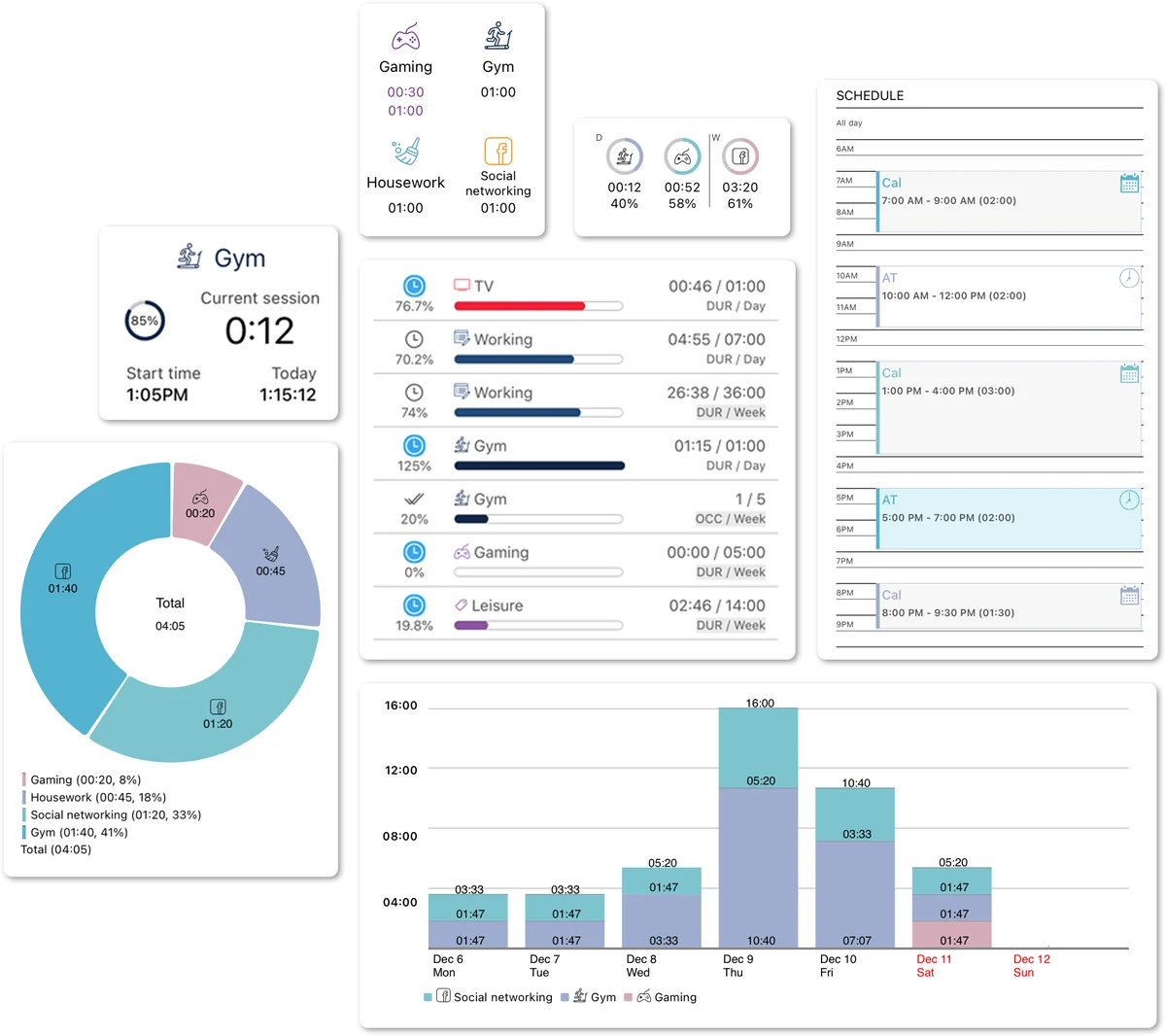
Real-time goal tracking
- ATracker Elements show your tracked time and goals live on the page, including a weekly chart
- From the makers of ATracker, the time tracker with over 2 million downloads
* Requires the ATracker app
FAQ
Can I use AJournal without Apple Pencil?
Yes. Apple Pencil works best, but any compatible stylus or your finger works too; turn on "Finger drawing" in Settings.
Can I search text?
Yes. AJournal searches your handwriting, your typed text and the text in your images: open Page Overview from the top-right menu to search all pages, or use the search button to search the current page.
How many user templates can I create?
As many as you like, in the free version too.
Can I print or export journals/planners to PDF?
Yes. Export to PDF or print, choosing the pages by date range or project.
Which calendars work with AJournal?
The calendars on your iPad or iPhone, including Apple (iCloud), Google and Outlook accounts. Events you add or edit in AJournal sync back to them.
How does AJournal protect my privacy?
AJournal does not collect any user data and does not store any user data on our server.
For user guides and questions, please check our Support Portal
Pricing
Basic
Free
- Handwriting and synced calendars
- 100+ templates and the template designer
- 1 page per day, week, month and year; up to 5 projects of 5 pages
- Free stickers and backgrounds
Premium
$2.99 a month
or $26.99 a year
Save 25%Everything in Basic, plus:
- No ads
- Unlimited pages per day / project
- Unlimited projects
- Colourful backgrounds and stickers
- Links
- Object selection for images (iOS 17 or later)
- Sync between devices (iCloud)
Compare plans
| Basic | Premium | |
|---|---|---|
| Handwriting and synced calendars | ||
| 100+ templates and the template designer | ||
| Free stickers and backgrounds | ||
| Pages | 1 per day, week, month and year; 5 projects of 5 pages | Unlimited |
| No ads | Not included | |
| Unlimited projects | Not included | |
| Colourful backgrounds and stickers | Not included | |
| Links | Not included | |
| Object selection for images (iOS 17 or later) | Not included | |
| Sync between devices (iCloud) | Not included |
The above prices do not include applicable taxes based on your billing address.
AJournal - Organize your thoughts, keep track of your goals